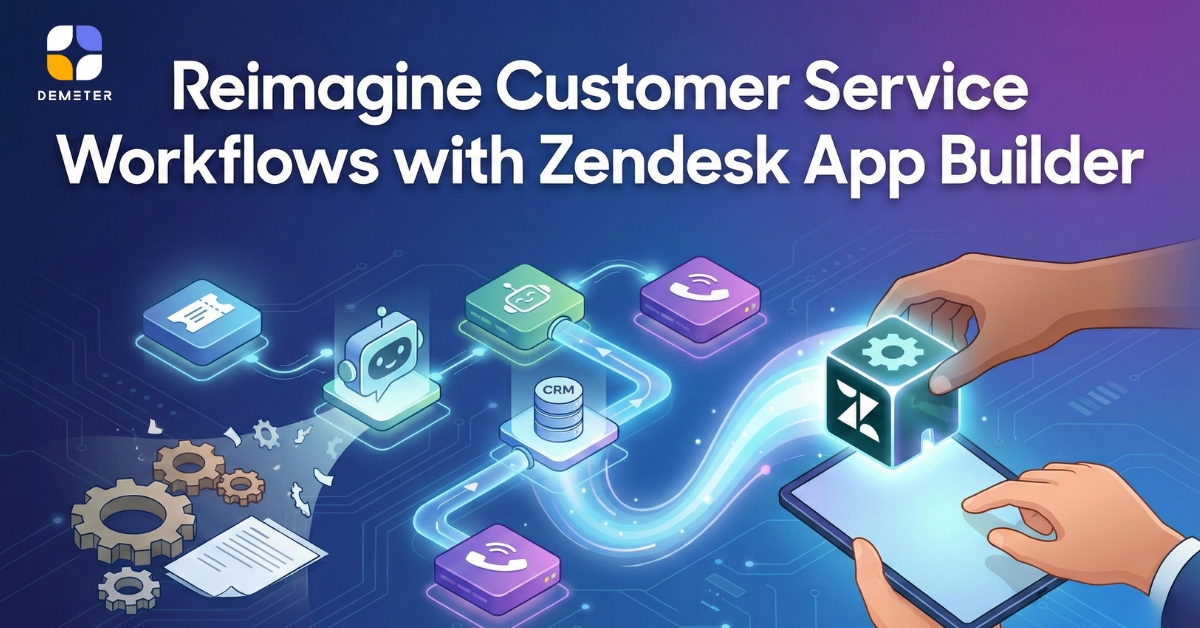
Today’s customer service teams rely on speed, accuracy, and seamless workflows. Yet agents still struggle with scattered systems — switching between order platforms, CRM tools, marketing systems, or internal databases. Zendesk solved this years ago with embedded apps such as Shopify, Mailchimp, and CXBOX, bringing external data directly into the Zendesk Agent Workspace.
But businesses need more than pre-built apps. They need custom workflows, unique integrations, and tailored UI panels that match how their teams work. Traditionally, building private Zendesk Apps meant weeks of development, UI coding, API mapping, and testing.
Introducing Zendesk App Builder — Build Your App with a Prompt
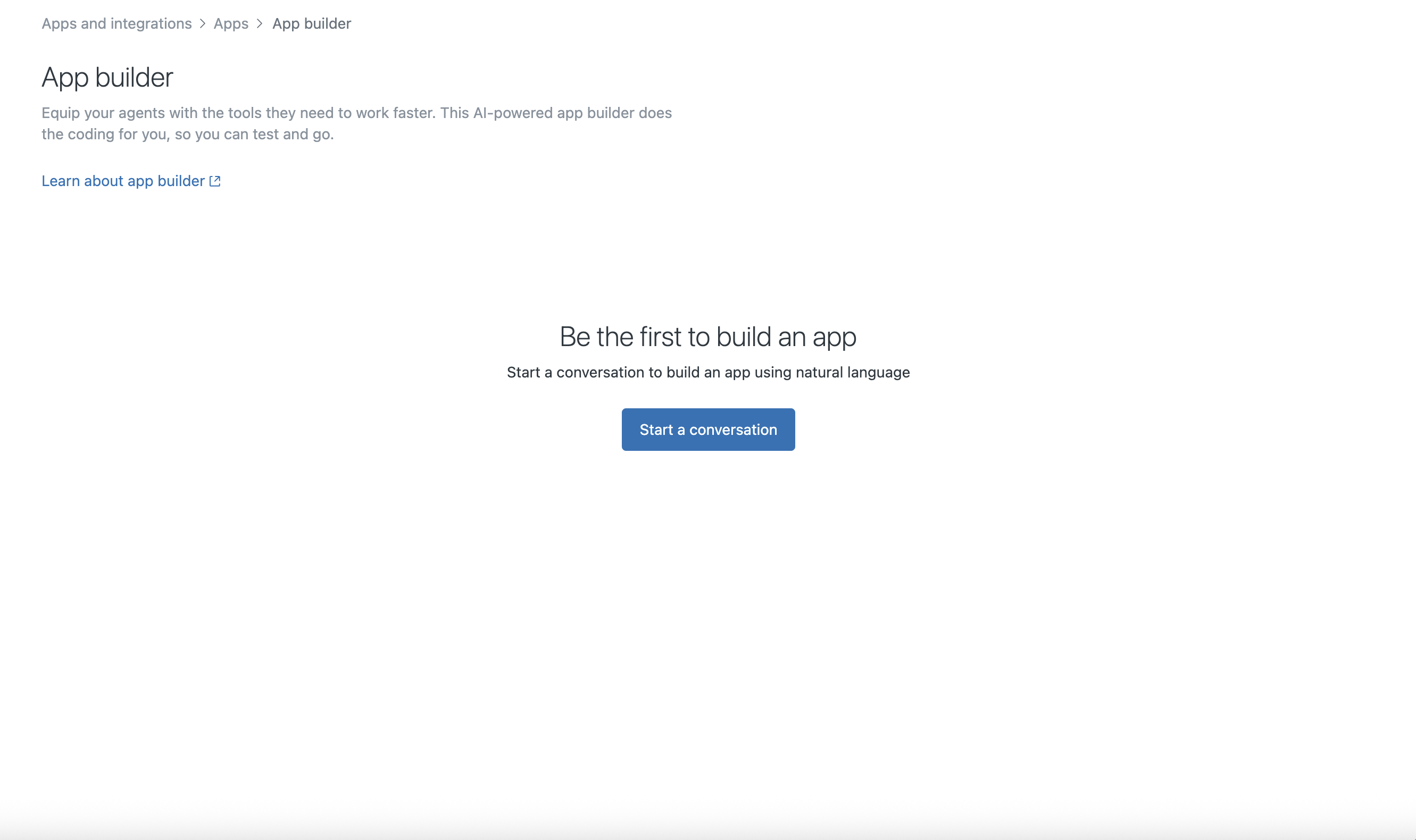
Zendesk App Builder changes everything. Instead of hand-coding, you simply describe the app you want:
- What UI layout should appear on the screen
- What API to call and when
- What data should be displayed
- What actions agents can perform
Within minutes, App Builder generates a working Zendesk App ready for testing — no full development cycle required.
This is not just innovation. It is a breakthrough for CX operations, making custom integrations drastically faster and cheaper.
Example Use Cases
- Show order history panel from your ERP
- Display customer loyalty points and update them instantly
- Trigger marketing campaigns directly in Agent Workspace
- Retrieve shipping status from multiple carriers
- Consolidate marketplace orders (Shopify, Shopee, Lazada, TikTok Shop, Amazon, eBay)
If you can describe it, you can build it.
Example Prompt for Zendesk App Builder
You may use or adapt this prompt to build a custom Zendesk App:
Build a Zendesk App named “Order360 Panel”.
UI Requirements:
– Left section: Customer information (name, email, phone)
– Main panel: Table showing recent orders with fields: Order ID, Date, Status, Total Amount
– Action buttons: “Refresh Orders”, “Update Status”, “Create Refund”
API Instructions:
– Call Shopify API to retrieve order history using customer email
– Endpoint: /orders?email={{customer.email}}
– Display results in the table
– When user clicks “Update Status”, call /orders/{id}/update with payload
– When “Create Refund” is triggered, call /refunds API
Additional Rules:
– If no orders found, display “No order history found”
– Automatically refresh data when ticket is opened
– Make UI responsive to Zendesk Agent Workspace width
Output:
– Generate the app code
– Package for installation
Why Work with DEMETER ICT
Even though App Builder accelerates development, writing effective prompts requires expertise:
- Understanding of your business workflow
- Knowledge of external systems & APIs
- UX structuring inside Zendesk’s limited panel size
- Testing, correction, and optimization
DEMETER ICT is one of the leading Zendesk partners in APAC with deep experience in:
- Workflow design
- Zendesk App & integration architecture
- Prompt engineering for App Builder
- CX consultancy
Our team helps you convert your workflow into a high-quality App Builder prompt, test the app, and fine-tune it until it perfectly matches your requirement — often within a few hours, not weeks.
Start the Future of Customer Service Today

Want to experience Zendesk Suite and App Builder yourself?
Contact DEMETER ICT for a FREE Zendesk Trial & Consultation
Our team will help you explore what Zendesk Apps can do for your business — even build your first custom app together.

About the Author
Mr. Carl Aldrich Wang is an International Marketing Specialist at DEMETER ICT, a Premier Partner of Google and Zendesk in the APAC region. DEMETER ICT serves over 4,600 business customers across APAC, including Greater China, with the largest customer base for Google and Zendesk services in the region. His expertise is in customer experience and global digital strategy with work that emphasizes aligning business goals with customer needs, enabling organizations to strengthen engagement, streamline workflows, and drive measurable growth.